What Is Robots.txt: 3 Secret Areas Search Engines Don't See
The robots.txt file helps you control which parts of your website are visible to search engines, preventing unnecessary crawling of private or irrelevant a…

The robots. The Otomasyum archive shows the same caution on similar topics. txt file is the most practical way to determine which sections of your site should remain hidden from search engines and which content should not be crawled. When configured correctly, it helps you control the backend areas of your site, ensuring that only the pages you want appear in search results. As a crucial part of technical SEO, this file is indispensable for site administrators who need privacy and want to prevent unnecessary resource crawling.
Many site owners view the robots.txt file merely as a basic blocking tool. However, it's actually possible to manage both the visible and invisible areas of your site with this file. Keeping unnecessary or hidden folders away from search engines protects server resources and prevents redundant crawling. Hiding areas like membership sections, administration panels, and temporary test pages from search engines also enhances data security.
What Is Robots.txt: How to Identify the Invisible Parts of Your Site?
The Core Function of the Robots.txt File and Its Impact on Search Engines
The main task of the robots.txt file is to tell search engine bots which directories and pages they can or cannot access. This file guides the software crawling your site and limits unnecessary page crawls. Especially for large websites, effective use of robots.txt alongside a sitemap prevents unnecessary resource consumption.
However, it's important to remember that the robots.txt file only provides guidelines; it does not guarantee absolute blocking. While most search engines adhere to these rules, pages specified in the file can sometimes be indexed through different means. Therefore, you must always keep sensitive data in password-protected areas.
Which Pages and Folders Can Be Hidden From Search Engines?
Which areas should be hidden varies depending on the site structure. Generally, administration panels, backup folders, temporary test pages, and duplicate content are kept away from search engines using robots.txt. Additionally, technical folders like plugin or theme files, which are unnecessary in search results, are frequently blocked.
The table below summarizes the most frequently hidden areas and their practical reasons:
| Area/Folder | Reason for Hiding |
|---|---|
| /wp-admin/ | For administration area, data security, and preventing unnecessary crawls |
| /test/ | To prevent temporary test pages from appearing in search results |
| /files/ | For frequently changing files that are unnecessary to index |
The Importance of Correctly Configuring Your Robots.txt File
A small error in your robots.txt file can accidentally hide important pages from search engines. Therefore, when preparing the file, clearly define which areas should be blocked and review examples from up-to-date documentation. It will be beneficial to review your robots.txt rules, especially after making changes to your site.
Correct configuration of the file prevents unwanted content from being listed in search engines while preserving the visibility of important pages. Furthermore, you can use the analysis tools provided by search engines to test if your robots.txt file is working correctly and detect potential errors in advance.
3 Hidden Areas Search Engines Can't Access and Their Impact on Your Site
Search engines cannot crawl administration panels, test pages, and private content blocked in the robots.txt file; restricting access to these areas has direct consequences for both security and SEO. If these sections are not properly hidden, the risk of data leaks increases, and search engines may index unnecessary or sensitive content.
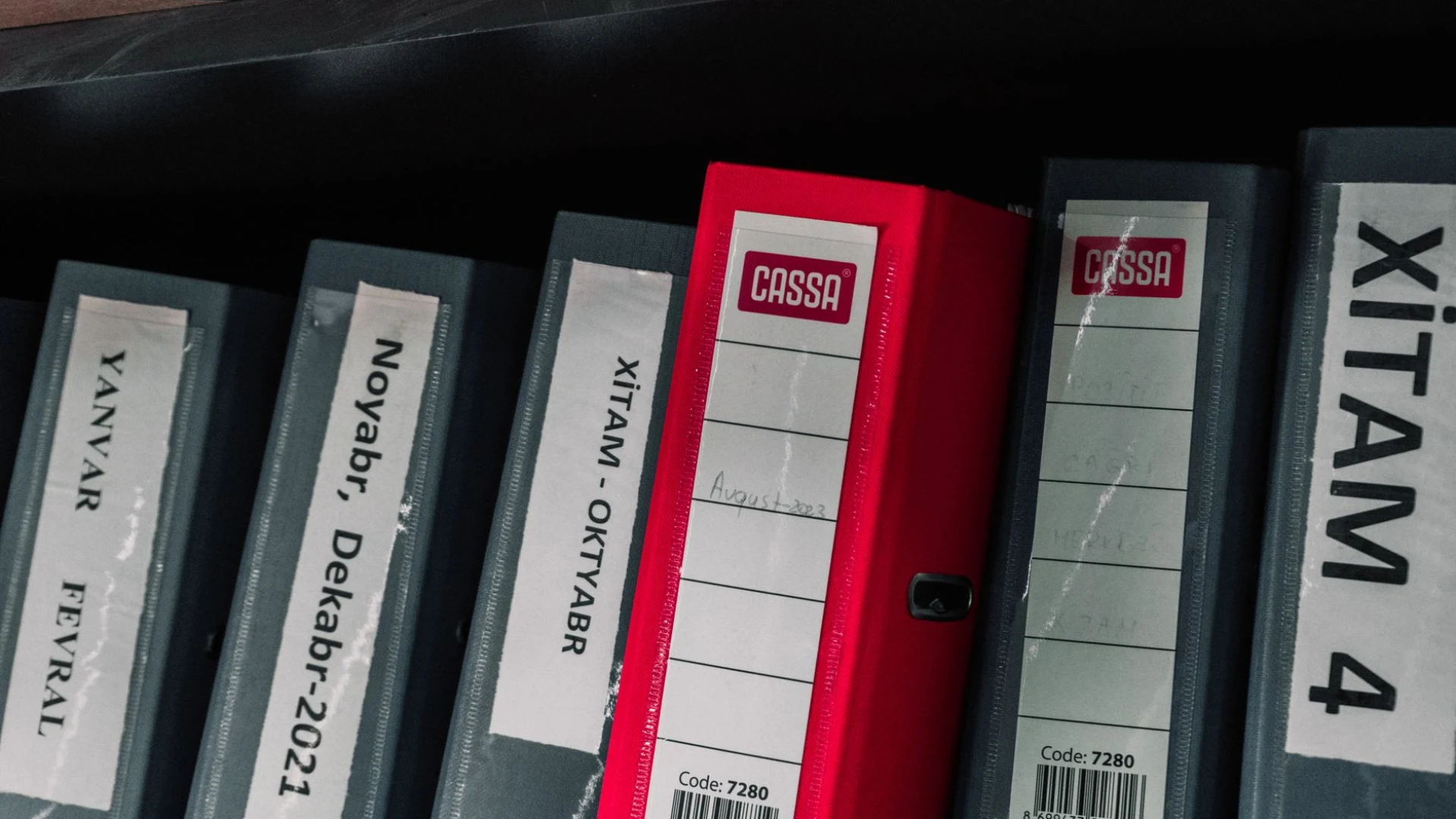
Admin Panels: the Importance of Blocking Access
Administration panels must be hidden from search engines because they contain your site's control mechanisms. If your robots.txt file does not include Disallow rules for these panels, search engines may access these pages and index administration paths you wouldn't want to appear in your sitemap. This situation not only invites unauthorized access attempts but also leads to unnecessary page clutter in search results.
In most content management systems, the administration path is set as standard (e.g., /admin/ or /manager/). You can hide this path from search engines by adding a line like the following to your robots.txt file:
- Disallow: /admin/
Accidentally leaving administration panel paths open negatively impacts SEO performance and creates potential security vulnerabilities. When reviewing your site's access map, regularly check which administration paths are blocked.
Blocking Test Pages and Private Content
Pages created during development and testing processes can damage your site's quality perception, and if search engines index this temporary content, it can lead to keyword confusion and content duplication. Otomasyum editorial notes often highlight the same distinction. Blocking the crawling of such pages with robots.txt ensures that you present only ready-to-publish content to both visitors and search engines.
Frequently Asked Questions
What Is What Robotstxt Secret Areas Search?
What robotstxt secret areas search is a structured option that helps you compare alternatives and make clearer decisions based on your actual needs.
How Is What Robotstxt Secret Areas Search Planned?
What robotstxt secret areas search is a structured option that helps you compare alternatives and make clearer decisions based on your actual needs.
What Should Be Considered for What Robotstxt Secret Areas Search?
What robotstxt secret areas search is a structured option that helps you compare alternatives and make clearer decisions based on your actual needs.
Otomasyum AI
Prepared by the Otomasyum content engineering and AI integration team to help you put your site on autopilot.
Something on your mind?
You can talk to our team to get more information about our content engineering processes.
Get in Touch