Solving Duplicate Content Issues With Canonical Tags
Learn how canonical tags resolve duplicate content problems, protect your rankings, and consolidate site authority. Practical tips and best practices.

One of the fastest ways to lose rankings in search engines is to have duplicate content on your site. When Google detects pages with identical or very similar content, it devalues those pages and jeopardizes the ranking of the main page. Whether you run a large e-commerce site or a small blog, duplicate content directly affects your site authority and organic traffic. Therefore, solving this problem at its root with canonical tags is critical for both technical teams and content managers.
Duplicate Content in Google's Eyes: How Does It Threaten Your Site's Rankings?
What Is Duplicate Content and How Do Search Engines Perceive It?
Duplicate content occurs when the same text or very similar expressions appear on multiple pages. Google and other search engines use advanced crawling and comparison techniques to detect such repetitions. Often, similar content is created due to filters on category pages or different link structures. If search engines cannot determine which of these pages is the primary source, they will not display any of the relevant pages at full value. This means significant losses in rankings and click-through rates.
Concrete Risks Such as Ranking Loss, Click-through Rate Decline, and Authority Loss
Due to duplicate content, your site may drop to lower positions in search results. Because Google cannot decide which page to feature and often filters out even the most relevant one. In this case, users' chances of reaching your site organically decrease. Additionally, duplicate pages divide authority and reduce link equity. In the long run, you encounter practical problems such as loss of trust across the site and reduced return visits.
| Risk | Impact | Solution |
|---|---|---|
| Ranking loss | Organic visibility decreases | Determining the main page with canonical tag |
| Click-through rate decline | Users find it harder to reach the site | Merging unnecessary pages |
| Authority loss | Page value is divided | Organizing internal link strategy |
Advantages of Automation in Duplicate Content Detection With Otomasyum
Manually detecting duplicate content is nearly impossible, especially on large sites. Thanks to the artificial intelligence-powered analyses offered by Otomasyum, duplicate content issues can be identified and prioritized instantly. Thus, it becomes clear which pages need canonical tags. With automatic blog generation and technical SEO analysis modules, duplicate content creation is prevented from the start.
Thanks to Otomasyum's GSC (Google Search Console) integration, the effects of duplicate content on search engines can be easily monitored. This way, action is taken with real-time data and content integrity is maintained across the site. Quickly detecting and correcting duplicate content issues is the most effective way to prevent ranking and authority loss.
What Is a Canonical Tag: a Practical Way to Prevent Wrong Page Selection
The canonical tag directly prevents search engines from featuring the wrong page among multiple pages with the same content. When applied correctly, it clearly informs the search engine which page is the primary source and prevents unnecessary ranking loss. Using this tag is a critical SEO step, especially when similar or duplicate content is accessible from different addresses. For example, in multiple URLs created by filtering, sorting, or similar products, marking the correct page with a canonical tag prevents unnecessary competition and authority division.
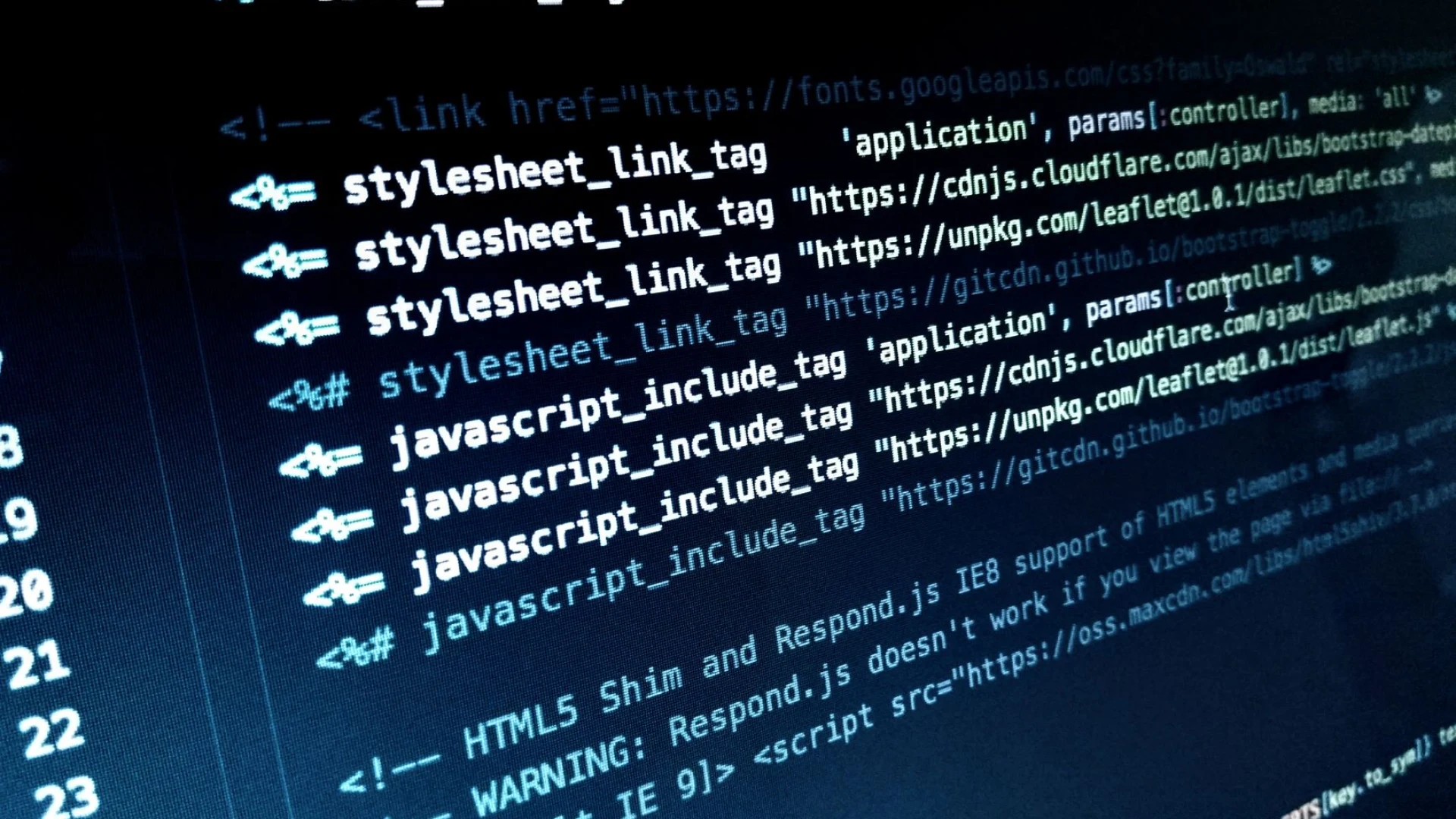
Pointing Search Engines to the Correct Page With Canonical Tags
If multiple addresses serve the same content, search engines may be indecisive about which page to index. With a canonical tag, you can clearly indicate which address is the main page. In practice, parameterized URLs often multiply on product listing, category, or news sites; marking the main page with a canonical tag on each one prevents ranking power from being dispersed. Additionally, adding this tag to the wrong page causes the actual value to be transferred to another address, so address verification should be done before implementation.
Check the table below for correct implementation:
| Situation | Correct Canonical Usage | Result |
|---|---|---|
| Filtered/Short URLs | All add canonical to the main category | Authority is consolidated at one address |
| Different language/country versions | Canonical to its own address for each language | Language-based ranking becomes clear |
| Canonical to the wrong page | Different product canonical to another product | Ranking loss and confusion |
The SEO Impact of the Same Content on Different URLs and Solutions
If the same content appears at different addresses, search engines often view these pages as duplicates and do not rank all of them. This situation negatively affects both your click-through rate and authority accumulation. By directing the search engine with a canonical tag, you consolidate the score of all similar pages on the main page and eliminate unnecessary competition. Especially on shopping, news, or blog sites, it is common for content with similar titles to multiply at different addresses; for the solution, you should add the correct canonical address to each page.
In practice, you can solve the problem at its root by following these steps:
- Identify all addresses with similar or identical content.
- Decide which address will be the primary source.
- On all other addresses, specify the chosen primary source with a canonical tag.
- Check whether the tags are working properly with auditing tools.
During implementation, always review current search engine guidelines and documentation again; avoid taking unnecessary risks. When you use the canonical tag correctly, you both consolidate authority and minimize the possibility of penalties due to duplicate content.
Frequently Asked Questions
What Is a Canonical Tag?
If the canonical tag is used incorrectly, search engines may detect multiple versions of the same content and feature a wrong address instead of your main page. In this case, ranking loss, traffic decline, and authority division occur. Additionally, marking the wrong page both reduces your visibility in search results and prevents users from accessing the correct information. Especially showing a sub-variant as canonical instead of the main category damages your site's integrity and reliability. Regular auditing and correct URL selection are essential for control.
How Is a Canonical Tag Planned?
It is not mandatory to use a canonical tag on every page, but it is absolutely necessary in situations where the same or very similar content exists on multiple pages. On pages with unique and original content, no problem arises even if a canonical tag is not added. However, if you have filtered, sorted, or dynamically generated pages, marking the main version with a canonical tag prevents search engine confusion.
What Should Be Considered for a Canonical Tag?
For canonical management on the automation platform, first determine which pages are similar, then dynamically generate the relevant tag in templates. Most content management tools offer an option to automatically add canonical for the main page or product variant. If manual intervention is required, make sure you point to the correct URL in the platform's template file. Additionally, for bulk checking, use the automation platform's preview or auditing tools to quickly detect and correct incorrect tagging.
Otomasyum AI
Prepared by the Otomasyum content engineering and AI integration team to help you put your site on autopilot.
Something on your mind?
You can talk to our team to get more information about our content engineering processes.
Get in Touch